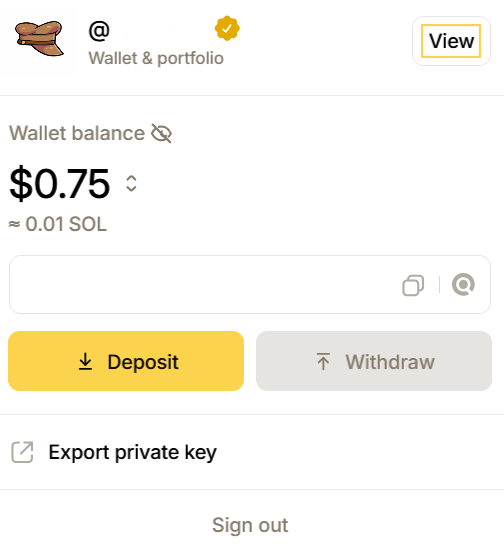
click the 'view' button to view your profile
Trader:
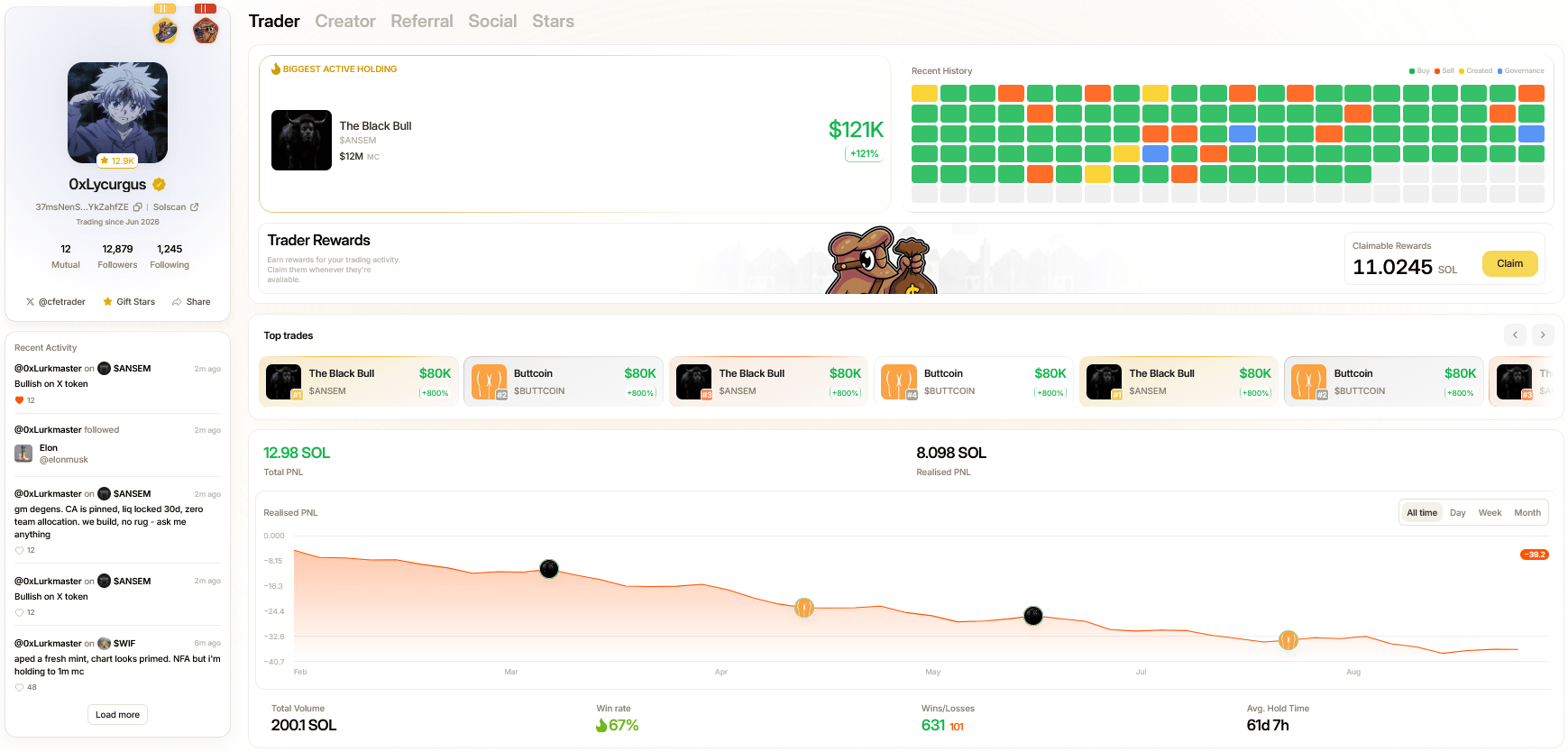
The trader section is where you can claim trader cashback rewards as well as see a overview of PNLs, top trades, your active positions, linked wallets and recent activities.To claim trader rewards, simply click the ‘Claim’ button next to any available rewards. Before claiming any rewards you must enable ‘One-click Trading’ from the account menu drop down. Navigating down the Trader section will reveal a number of useful tools and analytics allowing you to get the best insight into your performance. Monitor your positions, recent trade activity and any publicly linked wallets (wallets you’ve interacted with by sending/receiving tokens) from the panel at the bottom of the Trader section.
Creator:
The creator section is where you can claim creator rewards along all coins traded and deployed, all in one click; as well as view stats across your deployed tokens. To claim creator rewards, simply click the ‘Claim’ button next to any available rewards.Within this section, you will also find an overview of all your deployed coins, performance metrics for those deployments and other useful analytics.
Referrals:
With tren.ch Referrals; you can grow your network and earn from every trade; built on-chain and offering users 0.1% for direct referrals, you can share your personalized link with friends and track every signup, active trader and claimable rewards via the Referral page. To do so, simply click on the Referrals tab, and copy your pre-built tren.ch referral link.
Social:
The social page is where you can view any tweets interactions you’ve had via your trench profile; every post, reply, like given and received as well as views gathered can be tracked here.Stars:
Trench Stars are collectable rewards earned by trading and creating on tren.ch which can be redeemed for Token Boosts on Screener and more. In the Stars tab you can see an overview of your total Trench Stars; you can also gift Trench Stars by clicking the gift stars button under your profile card on the left; just select how many Stars you wish to gift, and choose any account you are currently following to send them.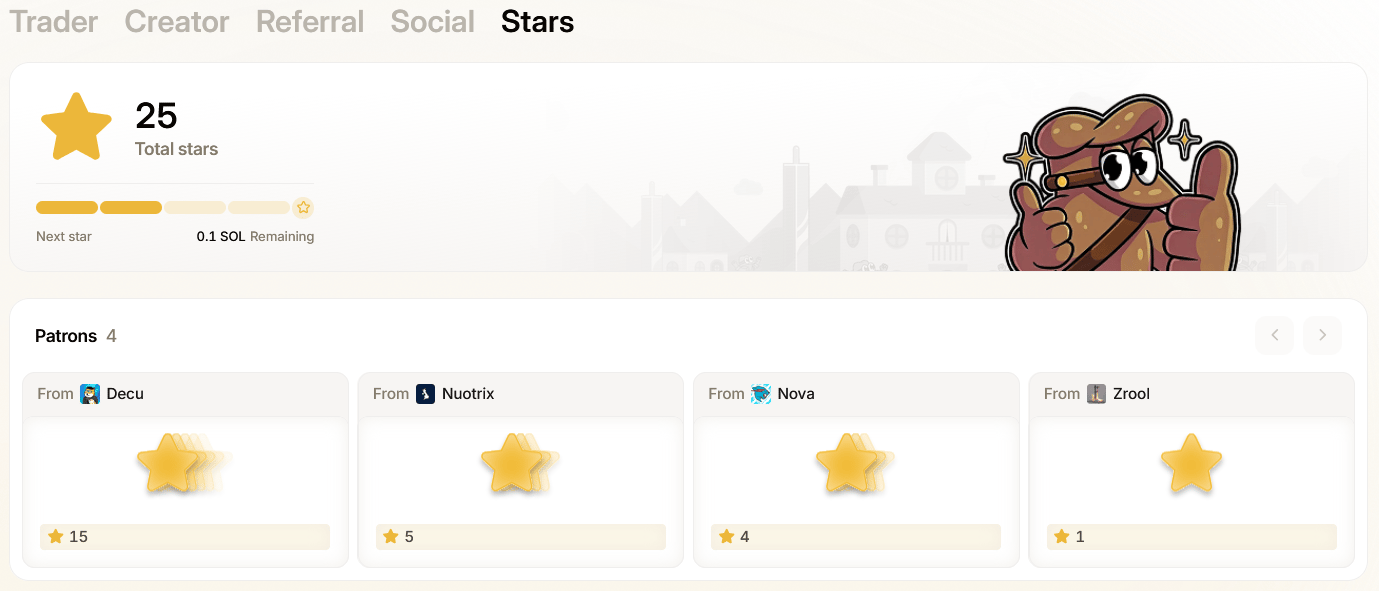
Profile Card:
The main profile card is particularly useful as it contains a user’s account age as well as direct links to a user’s X profile, wallet address, SolScan and any users they are following/followed by.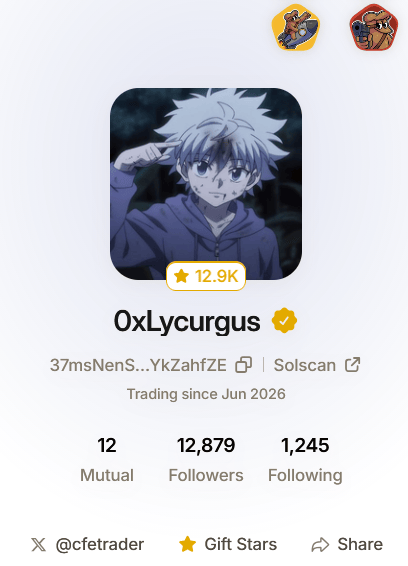
tren.ch profile card
Badges:
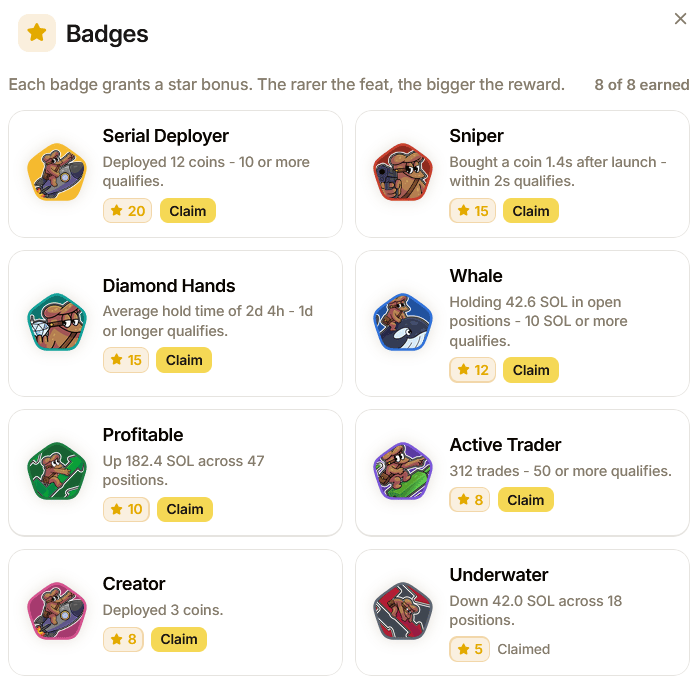
The social tab is also where you can view any earned badges. small achievements for completing tasks while using trench. View them by clicking on a badge once unlocked and click view badges to see unlockable goals to chase. Each badge grants a star bonus. The rarer the feat, the bigger the reward.