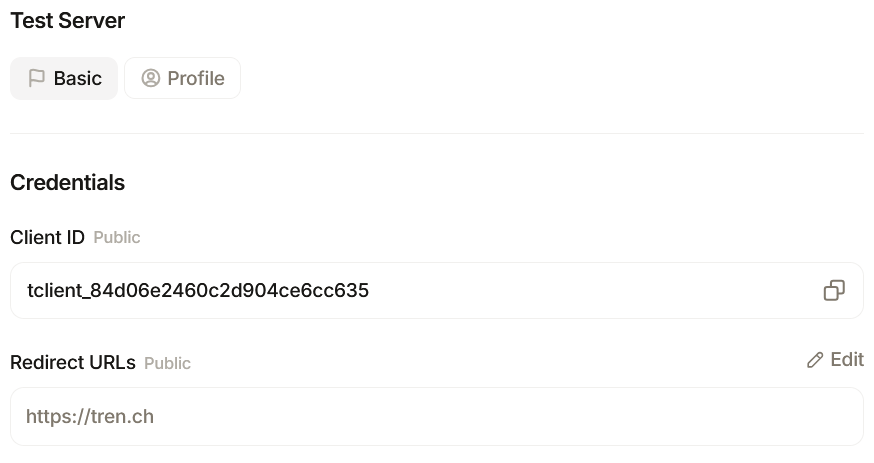
Fill in the details to register your app; you must provide a name and redirect URLs. Define which Scopes you wish to apply to your app and then click ‘Create’.
Available Scopes: Read Profile
[profile:read]View your trench profile (wallet address, handle, avatar).
Execute Trades
[trade:execute] Buy and sell tokens using your connected trench wallet.
High risk.
Launch Tokens
[coin:create]Launch new tokens from your connected trench wallet, including an optional first buy.
High risk. Vote in Governance
[governance:vote]Vote on proposals and withdraw your locked vote tokens.
High risk.
Create Proposals
[governance:propose]Create governance proposals, which locks a bond from your wallet.
High risk.
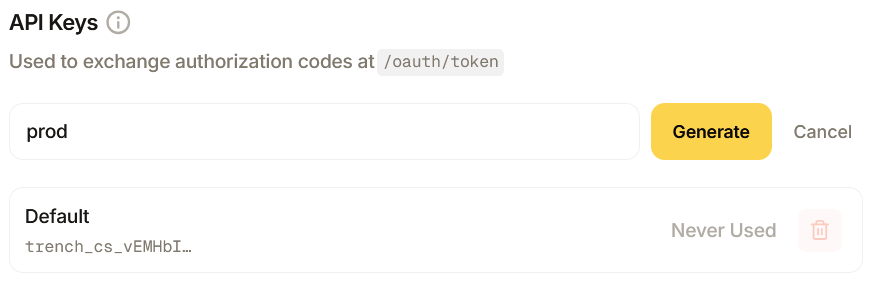
Once completed, you will receive a client ID and key to use when connecting your app server. Copy your key now and do not expose this. It will not be displayed again.
Once an app-end user connects, they will be asked to approve the scopes you applied in a trench popup window. Your server swaps the code for a token scoped to that user; once connected users can call on the API to trade, vote and propose on their behalf.