> ## Documentation Index
> Fetch the complete documentation index at: https://docs.tren.ch/llms.txt
> Use this file to discover all available pages before exploring further.
# Coin Page
> An all-in-one overview of any coin.
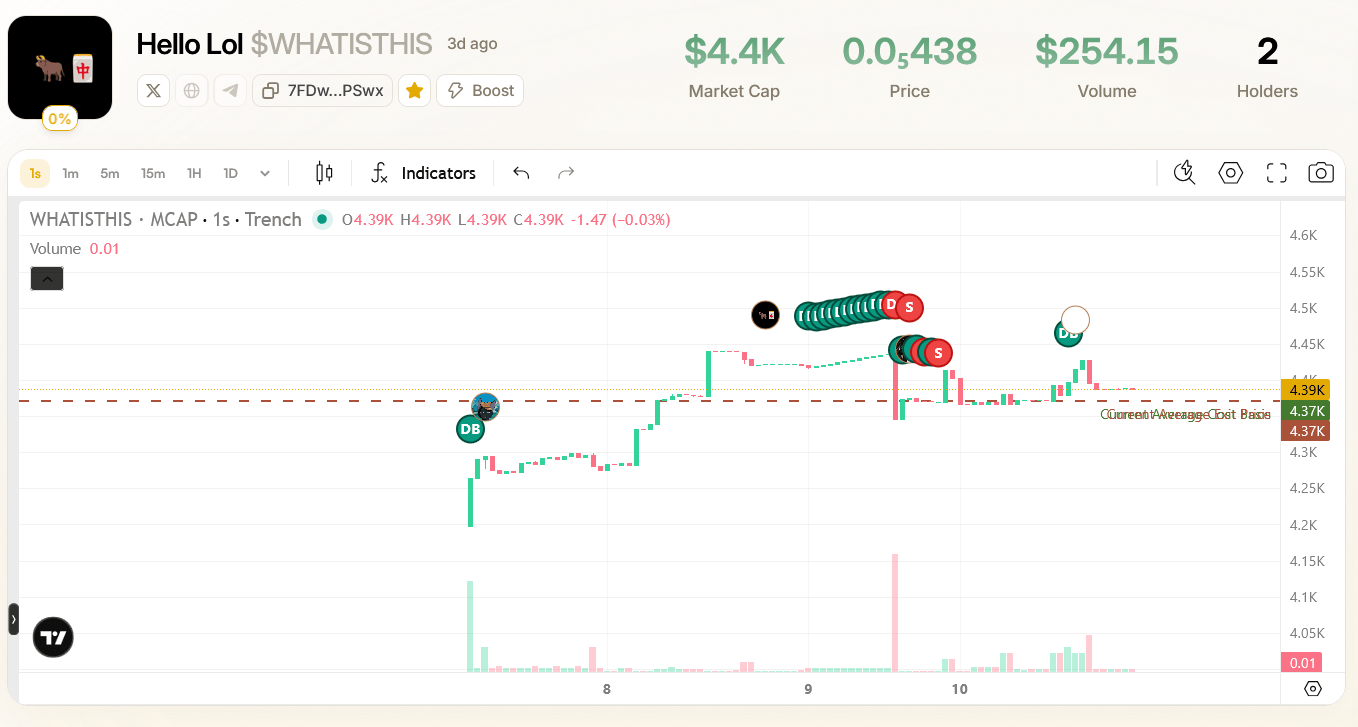
On any token page on tren.ch, you're able to see an all-in-one overview of all information about any coin including a trading view, current market cap, price, holders as well as any social links attached the CA. You can also add coins to watch list by clicking the **Star** icon, as well as Boost coins on Screener with trench stars directly from the coin's page. Additionally hovering over any of the stats at the top of the page will show their 24h history.
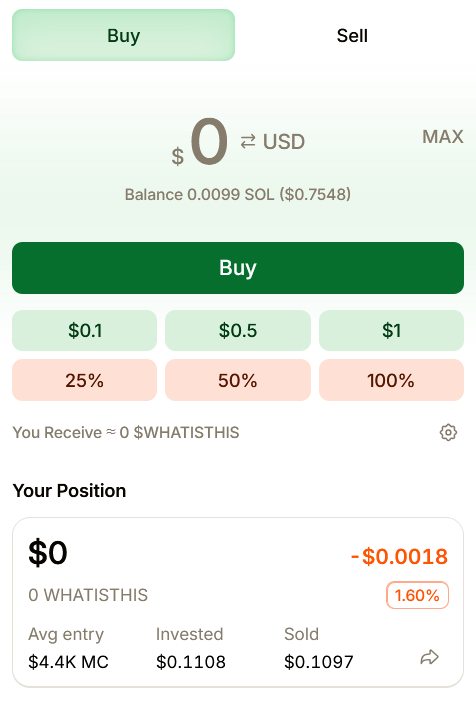
 You can also buy and sell coins and quickly view your positions via the panel on the right, with advanced options for optimized trades; just open the advanced settings, define your presets and apply. Furthermore, you can turn this into an instant trading program by turning on '**Instant Trade**' to turn on one-click trading, submitting trades instantly instead of just filling the amount.
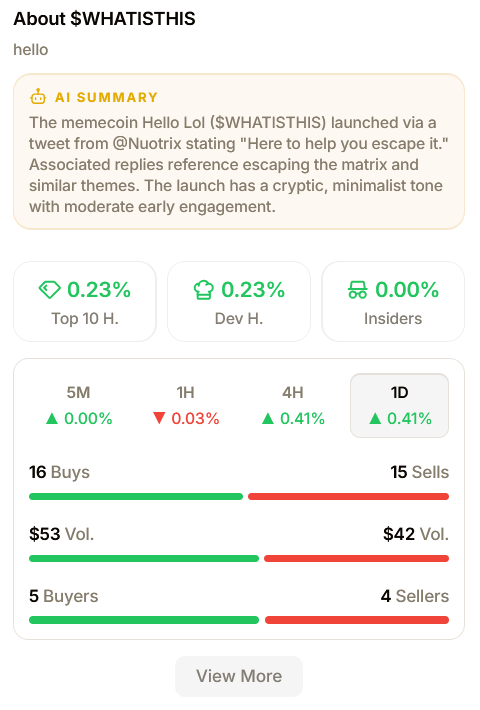
 The panel on the right also shows relevant data such as:
* Coin description
* Top 10, Dev and Insider holding percentages
* Quick volume stats
* Bonding Curve progress
* AI summary of the linked tweet
* An insight into the dev profile behind the token
* Burn Tokens button
The panel on the right also shows relevant data such as:
* Coin description
* Top 10, Dev and Insider holding percentages
* Quick volume stats
* Bonding Curve progress
* AI summary of the linked tweet
* An insight into the dev profile behind the token
* Burn Tokens button
 Also on coin pages you can see an overview of the coin's community where you can view an overview of holders posting about that coin, as well as their held amount. Users can cross-post from trench to X and view and interact with them on either platform.
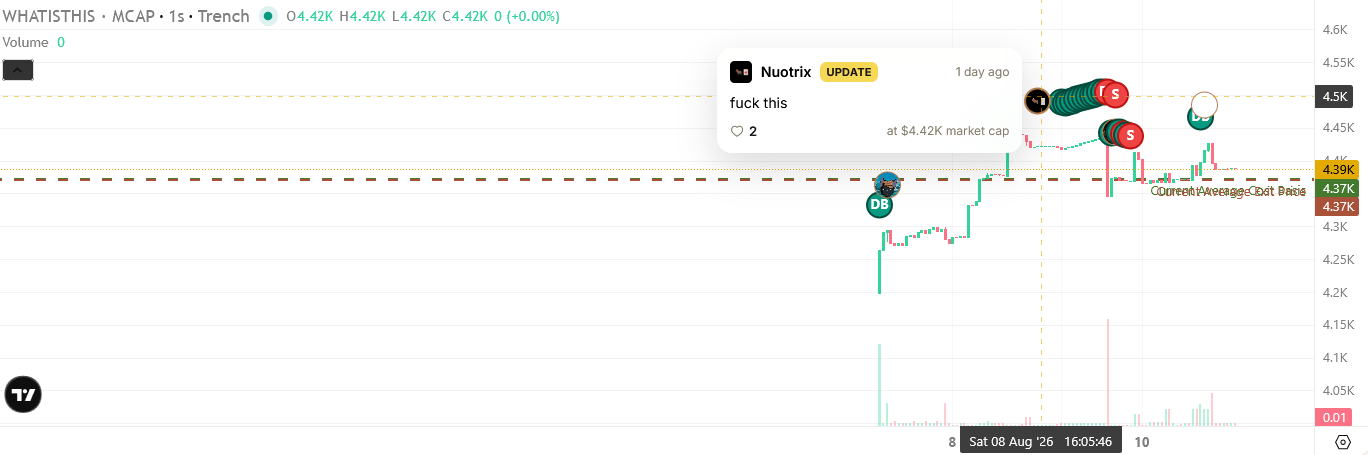
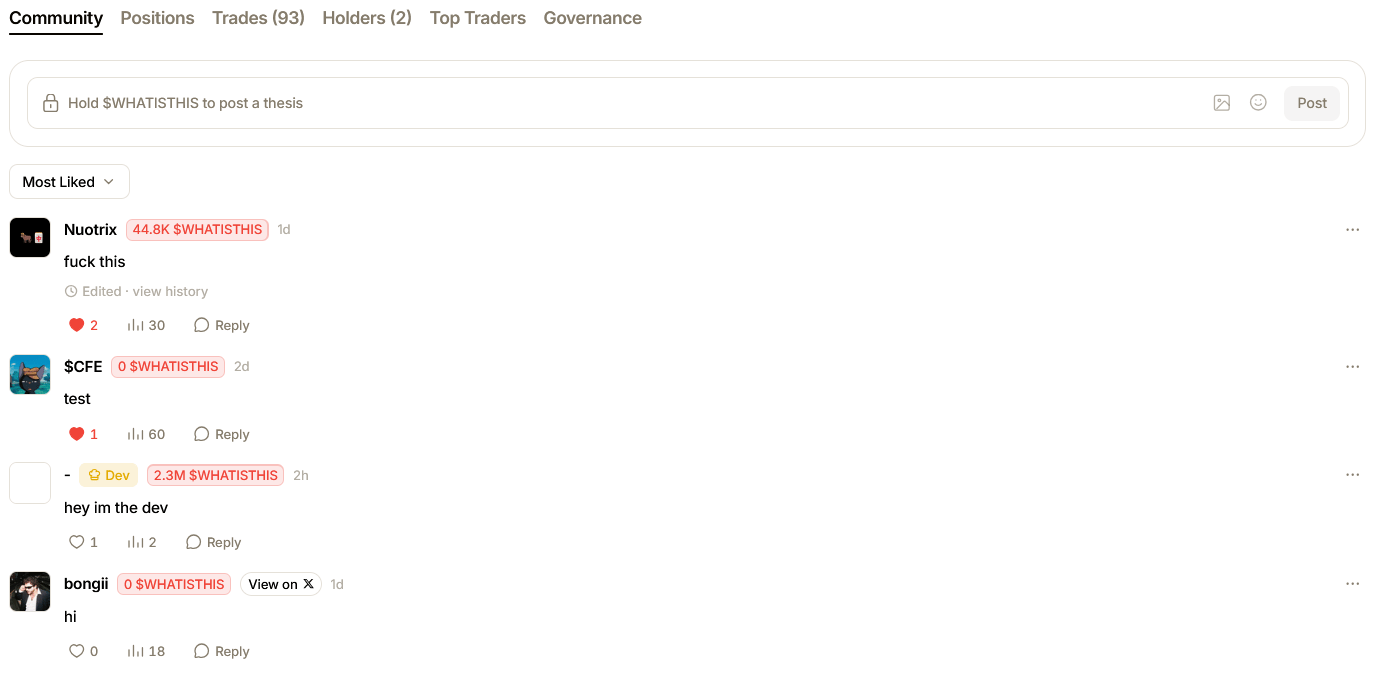 Any thesis posted by a user will then be displayed on the Chart view to show any correlations with specific posts and price movements.
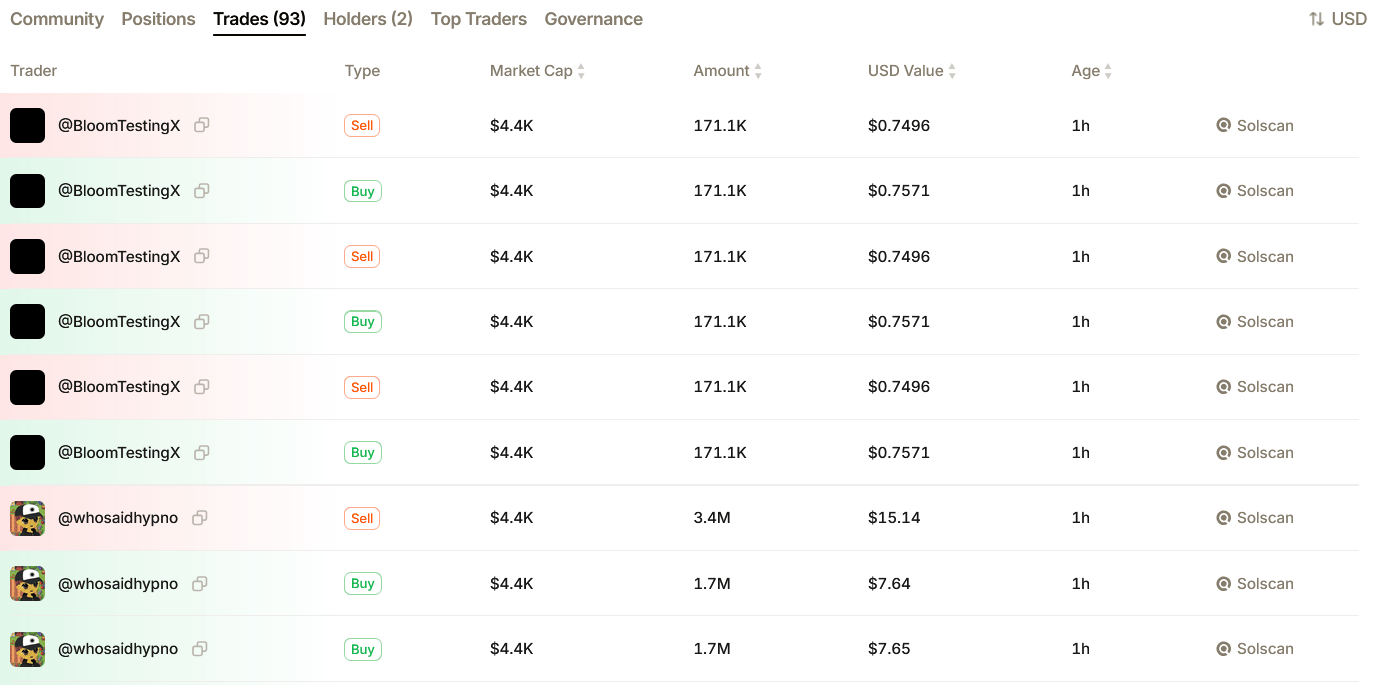
 You can view current positions, historical trades on a token where you can click further into any singular trade for more details delivered in this handy popup. Click along to also see current holders, top traders and any governance perks associated with the token.